

The phone rings. Your employee answers and asks, "May I have your customer number?" The customer sighs. He's calling for the third time about the same issue.
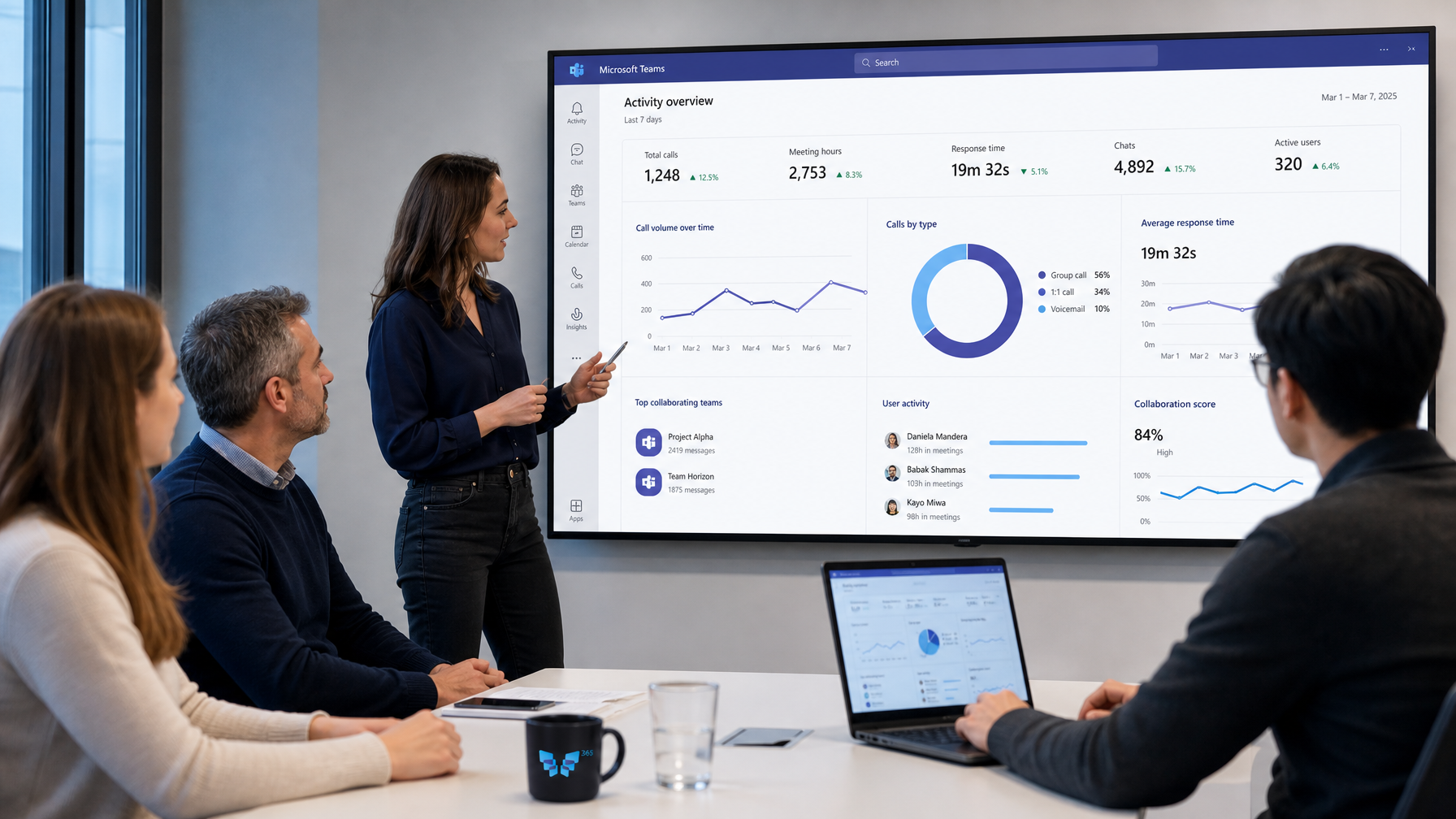
This can be different. If you connect Teams Telephony to your CRM, your employee will already know who's calling before answering.
What does a connection deliver?
- Recognition: the system looks up the number and displays the customer.
- Context: open tickets, orders, or appointments are instantly visible.
- Speed: no time lost searching or asking questions.
- Logging: the call is automatically logged for the correct customer.
- Click-to-call: dial through Teams with one click from the CRM.
What systems can you connect?
Think beyond just a CRM. We see connections with:
- CRM systems, such as Dynamics 365 Sales or Salesforce.
- ERP systems, such as Business Central.
- Service management and ticket systems, such as TOPdesk or ServiceNow.
- Industry software, such as case management systems at municipalities or client records in healthcare.
How does it work technically?
There are roughly three ways:
- Built-in: some systems, like Dynamics 365, support Teams calling directly.
- Via a connector: a link that forwards Teams events to your system.
- Via a custom connection: using Microsoft Graph and your system's API, if there is no standard.
The right path depends on your system and how much you want to automate.
Start small
You don't have to connect everything at once. A good first step is often displaying the customer record for an incoming call. Does that work well? Then you can add call logging, notes, or an automatic ticket afterward.
Mind privacy
Bringing up customer data is valuable but requires care. Determine which employees can see which data. And record how long call logs are kept. Especially in healthcare and government, this is not a side issue.
From reachable to customer context
At 365 Phone, we call this the second step: Flow. First, make sure every call reaches the right place. Then ensure your employee knows who they're talking to. That's when customers really notice a difference.
Curious about what a connection with your systems can deliver? Schedule a conversation and we'll explore the possibilities together.
Frequently Asked Questions
Does this work with our own system?
Often it does. If your system has an API, a connection is usually possible.
Do employees need to open an extra program?
No, they don't. The customer information appears in the system they're already using or as a notification with the call.
Is the call also recorded?
Only if you want it and set it up. Recording and logging are separate choices.